Search our knowledge base, guides, features, case studies... everything!

Fields which have defined options, such as drop-down lists or tabs/buttons, cannot have anything else set as the value, so the terms used on the spreadsheet must be mapped to the available options before the data can be imported.
NOTE: Text fields can accept any data, whether it's included in the field options or not.
The best way to show this is with an example.
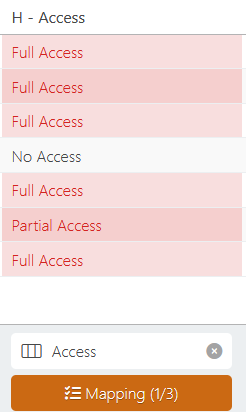
The CSV file being imported lists 3 different values in the Access column - Full Access, Partial Access, and No Access.
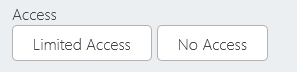
The Access field in Inspection has only 2 options - Limited Access & No Access.
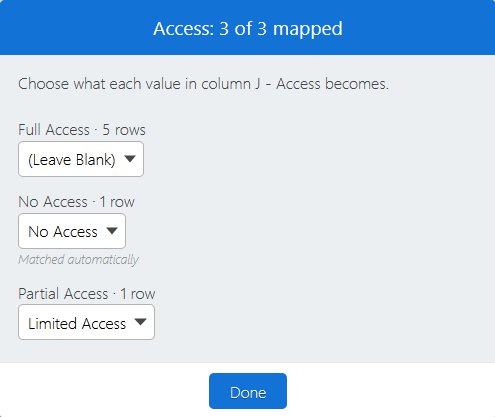
Data in the spreadsheet that matches a field option will be automatically mapped, but in order to import the file we must specify how to handle mis-matched data by clicking on the orange Mapping button.
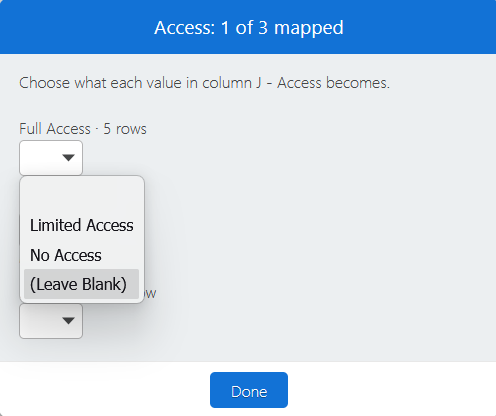
Full access is assumed if neither access option is selected so we can choose the (Leave Blank) option, and map Partial Access to Limited Access.