
Search our knowledge base, guides, features, case studies... everything!



Direct Debit is a convenient way to pay that offers several advantages over paying by bank cards (you don't need to worry about cards expiring and so on).
To set up a new subscription using a Direct Debit payment method:
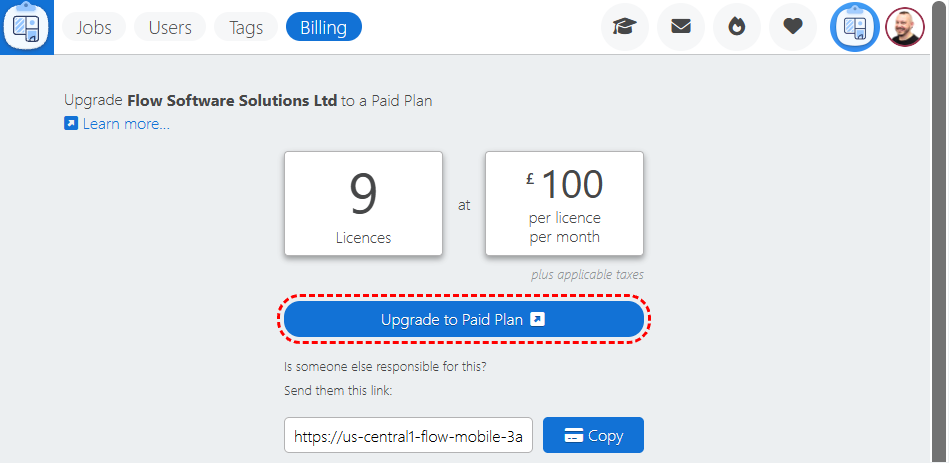
1. Log into the Dashboard.
2. Click on Billing.
Note: The Billing page is only available to 'Admin' users.
Learn more about User Permissions.
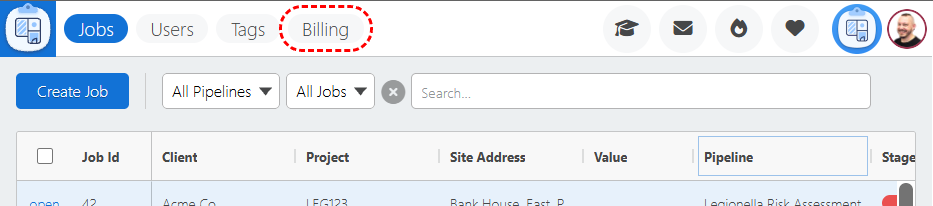
3. Click Upgrade to Paid Plan.
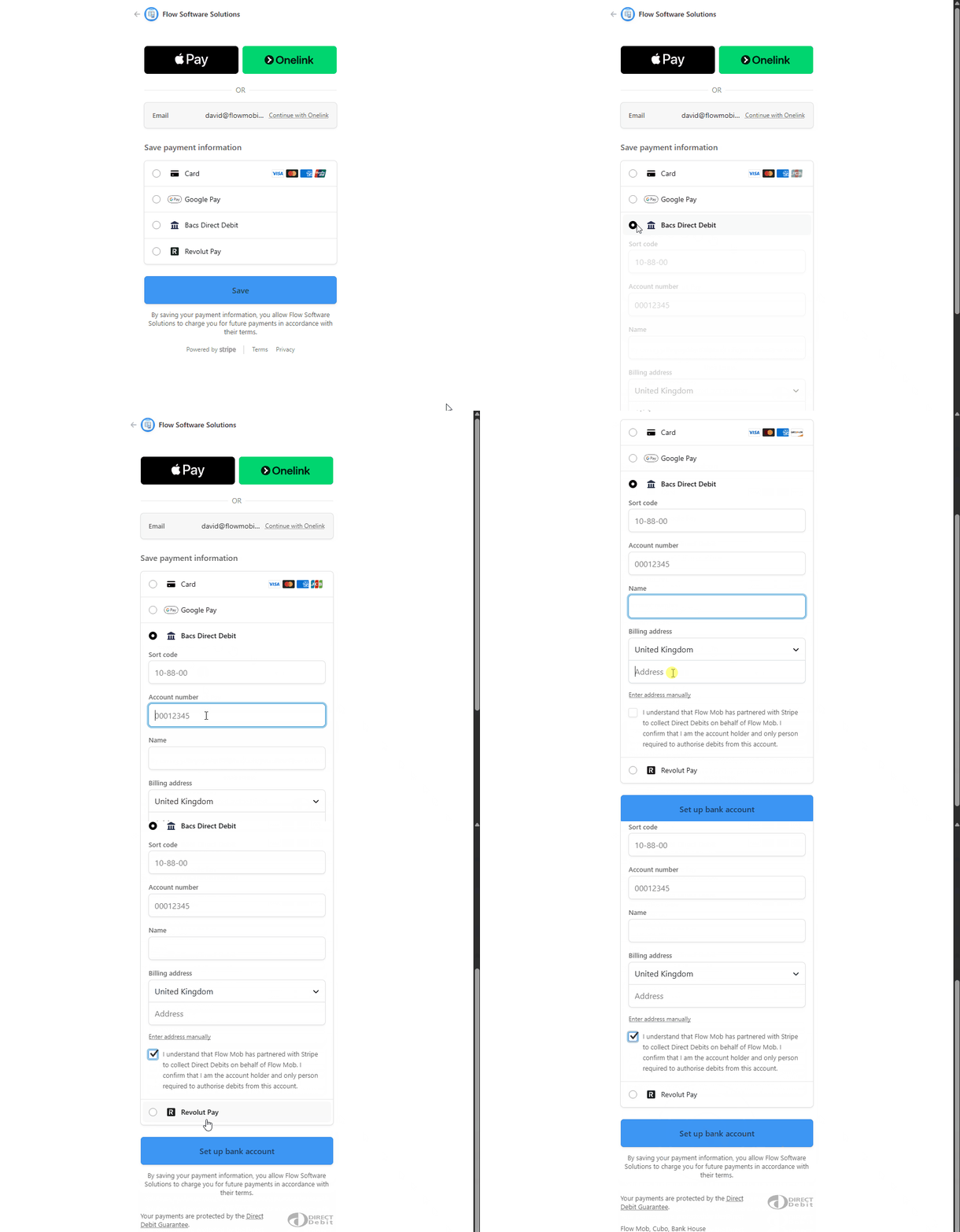
4. Select Bacs Direct Debit, complete the form and click Set up bank account.
If you're already subscribed to Flow, you can switch to Direct Debit payments as follows:
1. Log into the Dashboard.
2. Click on Billing.
Note: The Billing page is only available to 'Admin' users.
Learn more about User Permissions.
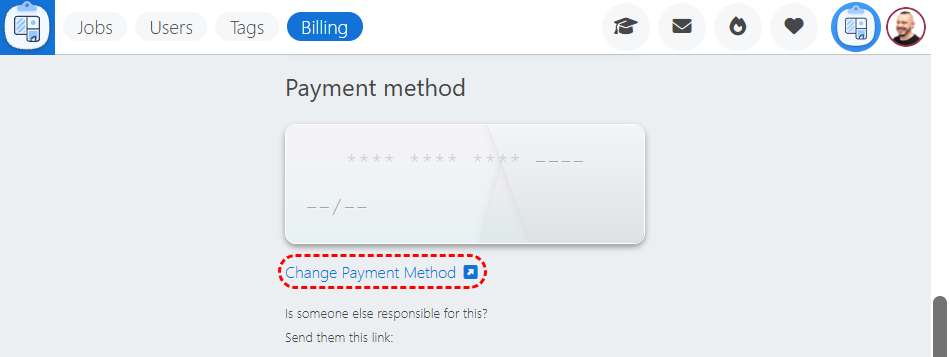
3. Click Change Payment Method.
4. Select Bacs Direct Debit, complete the form and click Set up bank account.