Search our knowledge base, guides, features, case studies... everything!


The Full Audit is an advanced feature available to Admin Users.
Regular Dashboard and Mobile users do not have access to this feature.
Viewing and understanding the Full Audit
You can grant users admin access by checking their 'Admin' flag within the User Management page. Learn more about User Permissions.
💡 Note: Granting a user Admin access will also give them access to other Admin features like Billing and User Management.
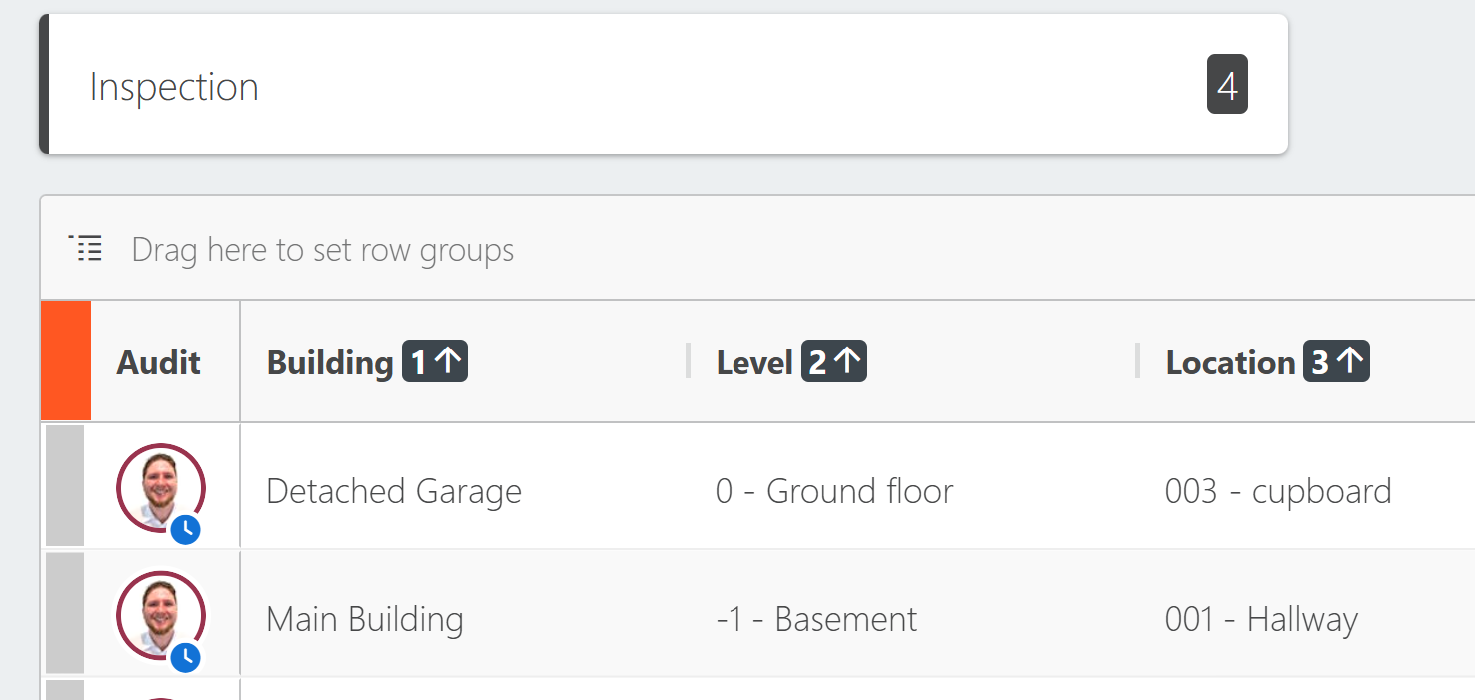
The Inline Audit is a trimmed down audit and simply shows who made the latest change and when.
All Dashboard users will see the inline audit next to inspection records.
The Inline Audit is indicated by a user avatar on the left hand side (the user who made the last change). If you hover over the avatar, you'll see the details of the last change to this record.