Search our knowledge base, guides, features, case studies... everything!


Depending on your process you may prefer to start creating your report in the office (known as a "desktop study") or you might prefer to create reports on-site on the fly.
In this article, we'll cover both methods of creating a report.
Either way, don't forget to Create a Job first (this is where your report will live)
This is the preferred method for many surveyors. You can start pre-populating the report with any known information before going to site to save time.
1. Log in to the Dashboard.
2. Navigate to the job.
3. Click the Add Report button.
4. Select the report you want to add.
5. The report will be added to the job and automatically opened.

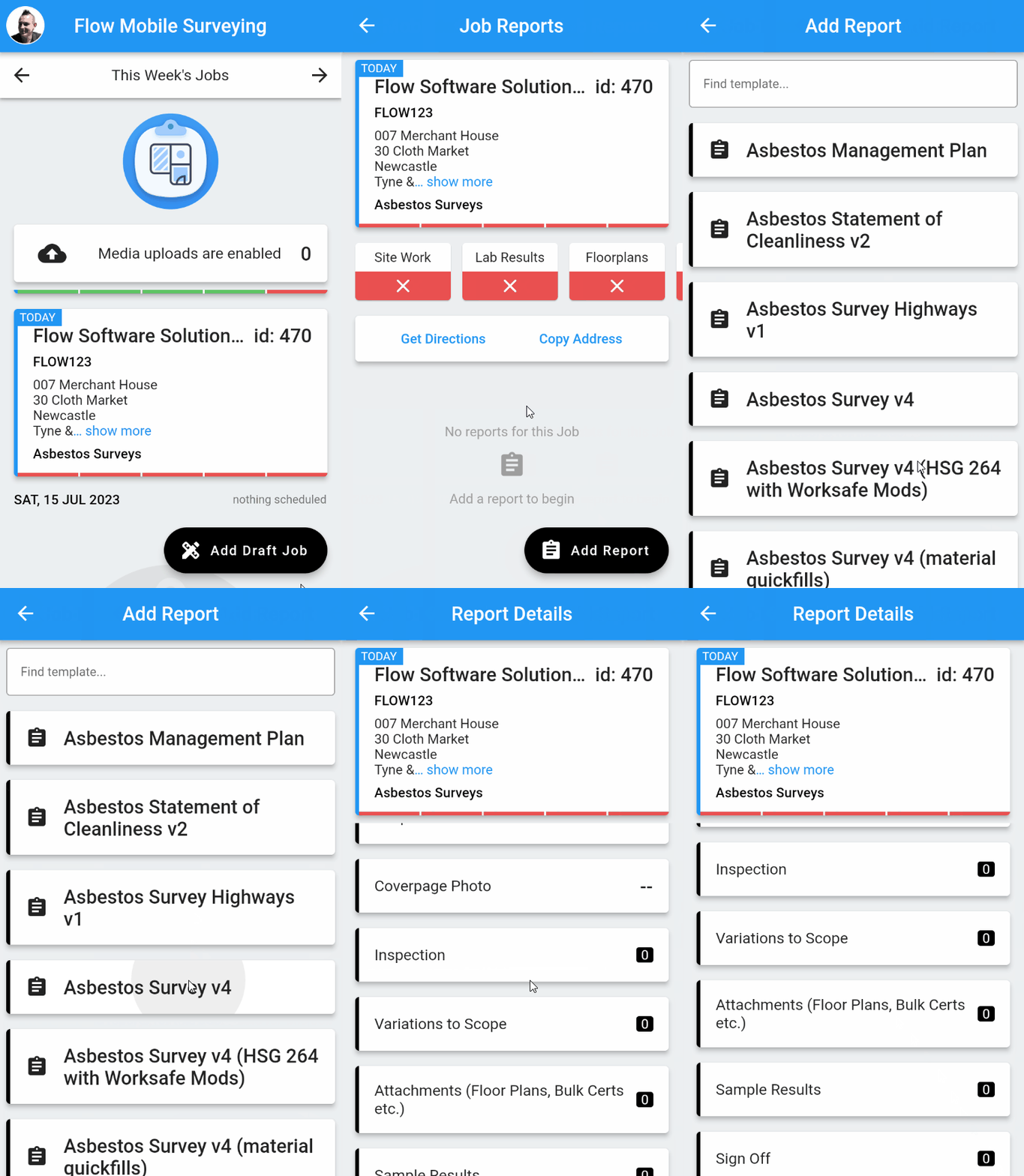
For some people, it's more convenient to create reports on-site, as follows:
1. Open the Mobile App.
2. Navigate to the Job screen.
3. Tap Add Report.
4. Select the required report template - The report will be added to the job and automatically opened.